

Writing
Word count and word goal
See how many words you've written, count a selection, and set a word goal for your paper.
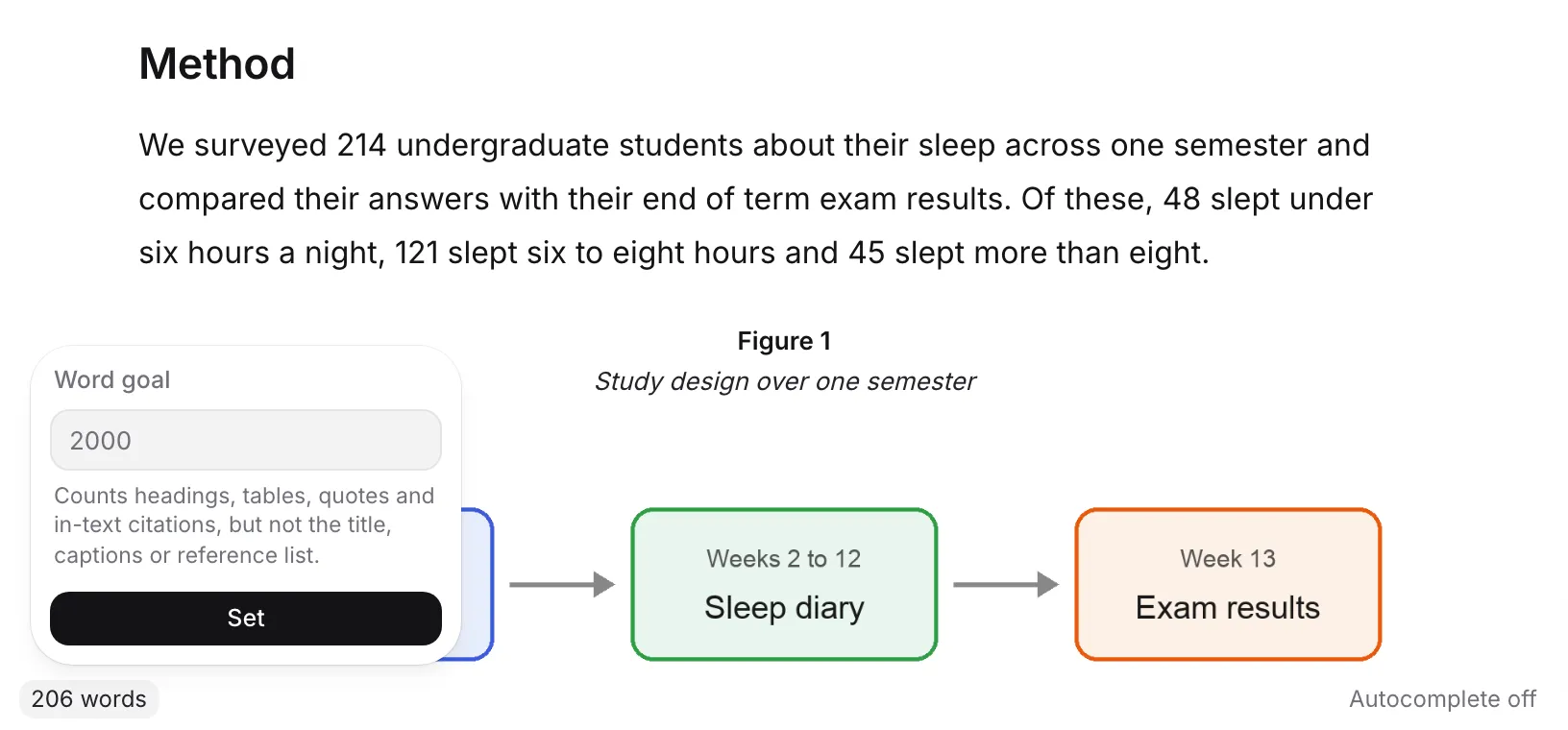
Your word count is always in the status bar at the bottom of the page, like “812 words”. Set a word goal and it shows your progress, like “812 / 2,000 words”.
See your word count
On a computer, look at the bottom of the page. The status bar shows the number of words in your paper.
To count part of your paper, select it. The status bar then shows something like “120 of 812 words”.
Set a word goal
- Click the word count in the status bar. The Word goal box opens.
- Type your target, like 2000.
- Click Set.
The count now shows your progress toward the goal. It turns green when you reach it. To remove the goal, open the box again and click Clear.
You can also set the goal under Word goal in Paper settings. If you add your assignment brief, Writing Studio can set the goal from it for you.
What the count includes
The status bar counts:
- Headings
- Tables
- Quotes
- In-text citations
It doesn’t count the title, captions or the reference list.
Why Check my paper shows a different number
The Length check in Check my paper counts the way a marker usually does. It leaves out block quotes, captions, code and the reference list, so its number is often a little lower than the status bar.
It also tells you how close you are to your goal: “N over, within the usual 10% tolerance”, “N to go” or “Exactly on target.”
See words per section
Click your paper’s title in the bar at the top of the page to open the Headings list. Each heading shows how many words its section has. See Use headings to organize your paper.
Word count on your phone
The status bar isn’t shown on phones. Tap More in the bottom bar to see your word count. Tap Set a goal, or Change goal if you already have one, to set your target.
Frequently asked questions
Does the word count include my references?
No. The reference list and the title are never counted. The status bar does count in-text citations, while the Length check in Check my paper leaves out block quotes, captions and code as well.
Why are there two different word counts?
The status bar counts everything you wrote in the body, including headings, tables, quotes and in-text citations. The Length check counts the way a marker usually does, leaving out block quotes, captions, code and the reference list.
Is the word goal a hard limit?
No. It's a target to work toward. The count turns green when you reach it, and you can keep writing past it.
Was this page helpful?
Thanks for letting us know.